Why You Should Never Build a Website Without a Mockup First
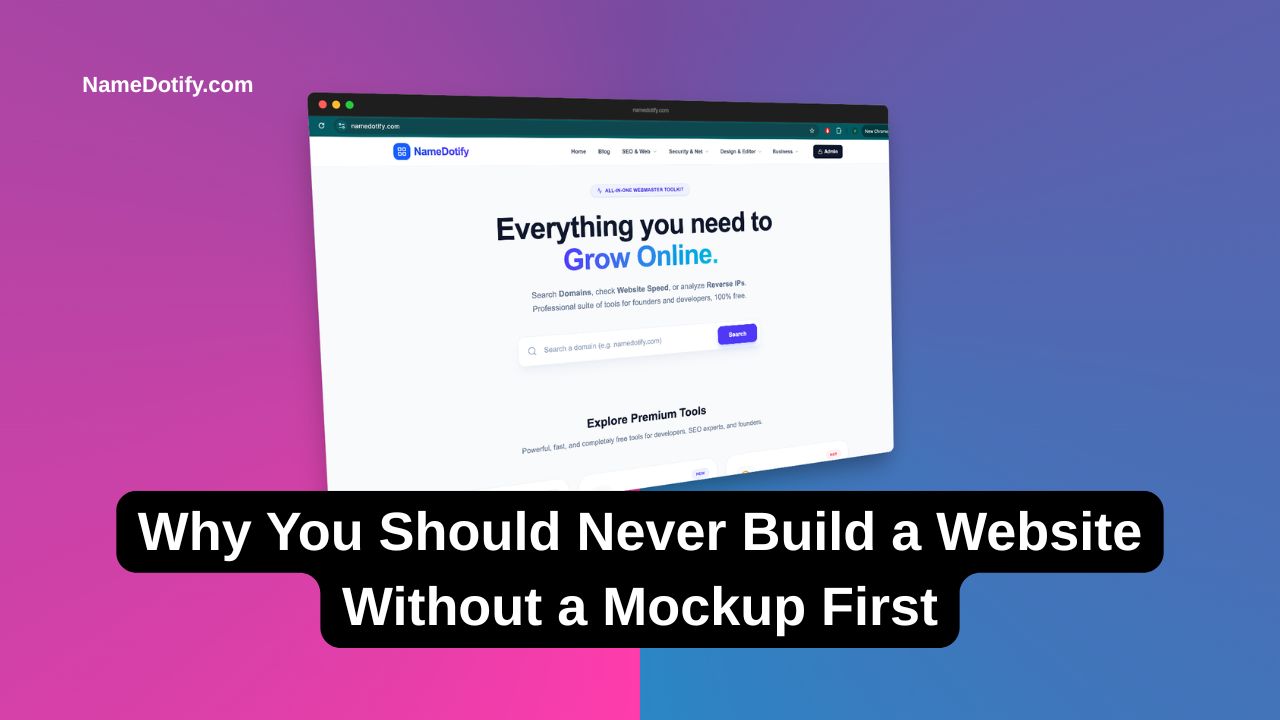
Have you ever paid a developer to build a website, only to realize the final product looks absolutely nothing like what you imagined?
This is a nightmare scenario for thousands of businesses and creators every year. It leads to wasted money, delayed launches, and endless frustration.
The good news? This entire disaster can be prevented with one simple step: creating a mockup.
In this guide, we will explain exactly what a mockup is, why it is the ultimate cheat code for web development, and how you can generate one instantly.
What Exactly is a Mockup?
A mockup is a static, high-fidelity visual representation of your website or application.
Think of it like the blueprint of a house. Before a builder lays the first brick, you want to see exactly where the doors, windows, and rooms will be. A mockup does the exact same thing for your digital product.
It shows the typography, color schemes, button placements, and image layouts. Unlike a live website, you cannot click the buttons or fill out the forms. It is simply a visual draft designed to give you a pixel-perfect preview.
Wireframe vs. Mockup vs. Prototype
People often confuse these three terms. Let's clear that up:
- Wireframe: A basic black-and-white sketch. It only shows the layout and structure (the skeleton).
- Mockup: A fully colored, detailed visual design. It shows exactly how the final product will look (the skin).
- Prototype: An interactive model. It looks like a mockup, but you can actually click buttons and navigate between pages (the muscle).
Why Mockups Are Non-Negotiable in 2026
Skipping the mockup phase might feel like a shortcut, but it will cost you heavily in the long run. Here is why top-tier developers and designers swear by them.
1. It Saves You Thousands of Dollars
Changing a color scheme or moving a button on a static mockup takes a designer five minutes. Changing those same elements after the website has been coded requires rewriting CSS, HTML, and sometimes JavaScript. Catching design flaws early keeps your development budget intact.
2. Perfects the User Experience (UX)
A beautiful website is useless if users cannot figure out how to navigate it. Mockups allow you to view the design from your customer's perspective. Are the call-to-action buttons clear? Is the text readable?
Pro Tip: Once your design is finalized and coded, you should always run the live page through an Advanced SEO Auditor Tool to ensure your beautiful layout isn't hurting your search engine rankings.
3. Aligns the Whole Team
If you tell a developer, "Make it look modern and sleek," their definition of 'modern' might be completely different from yours. A mockup eliminates guesswork. It provides a visual contract between you, the stakeholders, and the coding team.
How to Create Stunning Device Mockups
Sometimes, you don't just need a website mockup; you need to show your existing website or app inside a device (like an iPhone or a MacBook) for your marketing materials.
Displaying your software inside a sleek laptop frame instantly builds trust and authority. This is especially crucial if you are running paid ads and tracking them using a Professional UTM Link Builder.
Instead of downloading heavy Photoshop files and struggling with layers, you can generate these instantly.
You can use our free tool to create professional device mockups in seconds: 👉 Free Device Mockup Generator
Simply upload your screenshot, choose your device frame, and download your high-resolution asset ready for social media or client presentations.
Final Thoughts
Jumping straight into coding without a mockup is like driving blindfolded.
Take the time to visualize your product. Fix the layout, debate the colors, and adjust the typography before a single line of code is written. Once your site is finally built and live, don't forget to verify its performance using our Website Speed Test Tool to ensure those high-quality graphics aren't slowing you down.
Stop guessing. Start mocking up.