What is a Reverse IP Lookup? The Ultimate Guide for SEO & Security
When you type a domain name into your browser, the DNS system translates it into an IP address to locate the server. This is how the internet functions on a basic level.
But what happens if you reverse this process?
What if you have an IP address and want to know every single website hosted on that specific server? This is exactly where a Reverse IP Lookup becomes an essential tool for cybersecurity experts, SEO professionals, and webmasters.
In this guide, we will break down how Reverse IP lookups work, why "bad neighborhoods" can destroy your SEO, and how you can use this data to your advantage.
How Does a Reverse IP Lookup Work?
The vast majority of websites on the internet use shared hosting. This means hundreds, or sometimes thousands, of different domain names are sitting on the exact same server, sharing the exact same IP address.
A standard DNS lookup tells you the IP of a single domain. A Reverse IP lookup, however, scans the server and returns a complete list of all the other domains sharing that IP.
Think of an IP address as an apartment building. A standard search tells you which building John lives in. A reverse search gives you the names of every single person living in that entire building.
Why Reverse IP is Crucial for SEO
If you are running a business website, sharing a server with other domains is normal. However, who you share it with matters immensely to Google.
Beware of the "Bad Neighborhood"
If your website shares an IP address with sites that host malware, spam, or illegal content, search engines might flag the entire IP block. This is known as living in a "bad neighborhood."
Even if your website is perfectly clean, Google’s algorithm might penalize your rankings or lower your trust score simply by association. If you suspect your rankings are dropping due to server neighbors, you should immediately run a Deep Malware Scanner Check to ensure your site hasn't been infected.
The Solution
Before buying shared hosting, always ask for the server IP and run it through a Free Reverse IP Lookup Tool. If the results show hundreds of low-quality or spammy domains, ask the hosting provider to move you to a different server or upgrade to a dedicated IP.
Cybersecurity and Competitor Research
Reverse IP tracking isn't just for SEO; it is a powerful weapon for research and security.
1. Uncovering Competitor Networks
Many large companies own dozens of niche websites or Private Blog Networks (PBNs) that they use to dominate search results. By doing a reverse search on their main website's IP, you can often discover their entire hidden portfolio of domains.
To dig even deeper into who actually owns these hidden domains, you can pair this strategy with an Advanced WHOIS Lookup to reveal domain registration details.
2. Identifying Attackers
If your website is experiencing a DDoS attack or repeated hacking attempts, your server logs will capture the attacker's IP address. By running a reverse lookup, cybersecurity teams can often trace the IP back to the specific domains or networks initiating the attack, allowing them to block malicious traffic at the root.
To ensure your own server's routing is secure and functioning properly during an attack, it is always a good practice to analyze your records using a Complete DNS Record Checker.
How to Perform a Reverse IP Lookup
You don't need to be a command-line expert to find out who is sharing your server.
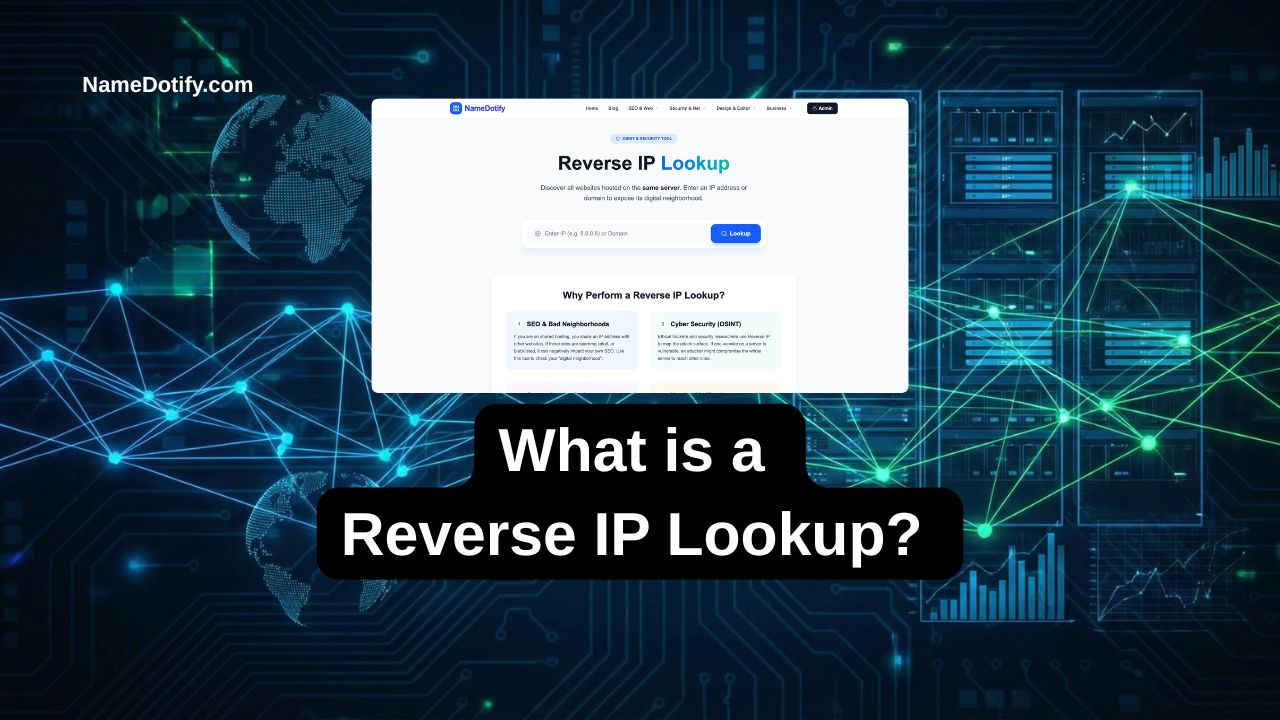
At NameDotify, we have built a lightning-fast, browser-based solution. Simply paste your domain name or IP address into our Advanced Reverse IP Scanner. Within seconds, our tool will query the global DNS database and provide you with a clean, easy-to-read list of every domain hosted on that server.
Protect your SEO rankings, investigate competitors, and secure your network today. Don't let a bad server neighbor drag your website down.